
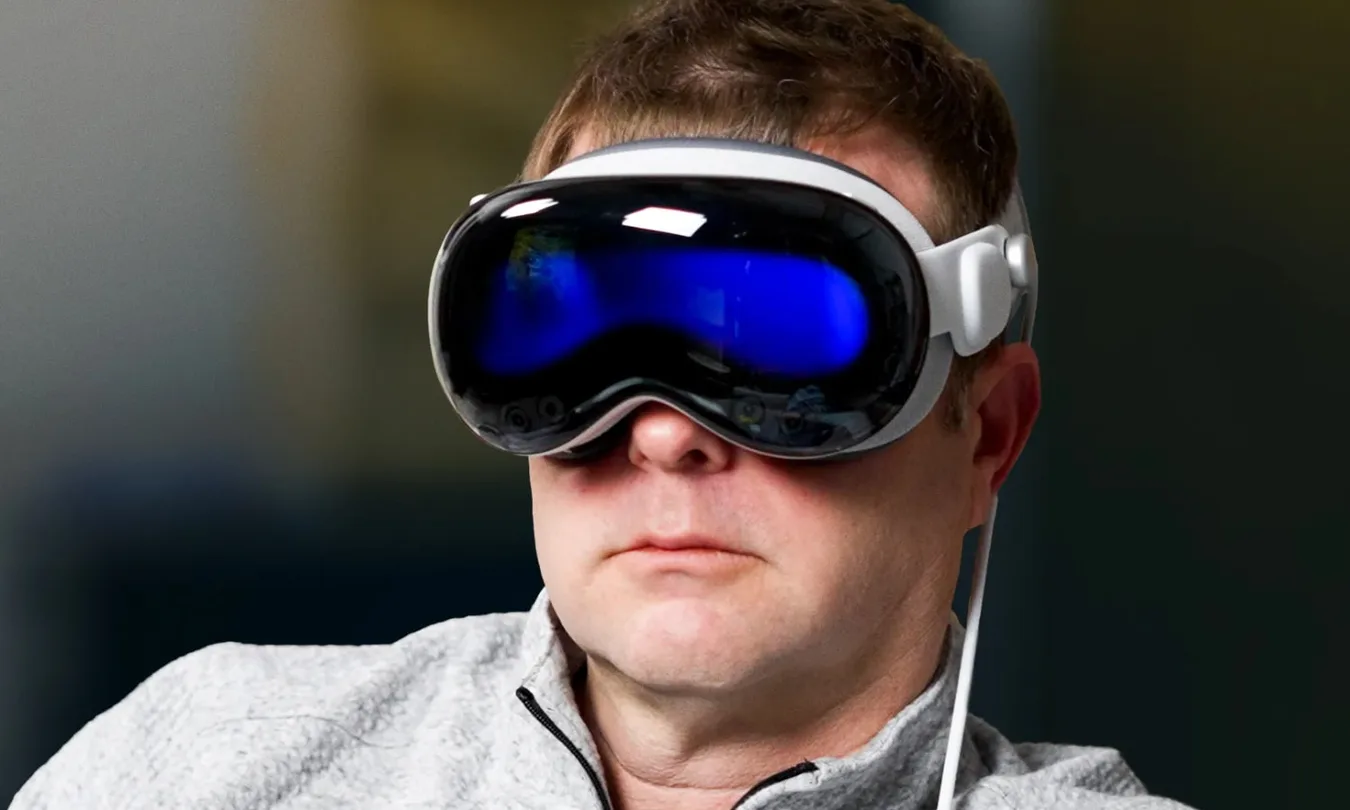
The first wave of attention around Apple’s spatial computer was loud, glossy, and a little exhausting. For many Americans, Apple Vision Pro now sits in a more useful place: not as a miracle screen, but as a tool worth judging by the jobs it can finish. That is where the conversation gets better. A headset that costs this much has to earn its space in a home office, a clinic, a classroom, a showroom, or a small business workflow. Hype asks, “Is it cool?” Daily life asks, “Does it save time, reduce stress, help you see better, or make a hard task easier?” The second question matters more. Readers who follow practical technology and business trends already know the pattern. New devices look silly at first, then a few narrow uses prove stronger than the launch demo. This one is no different. Its best future may not be every person wearing one all day. It may be the right person wearing one at the right moment.
Apple Vision Pro Use Cases That Make Sense After the Buzz
The first mistake is judging the headset like a phone. A phone wants to be with you all day. This device works better as a session tool. You put it on when the room, screen, or task in front of you feels too small. That shift makes the product easier to understand. It is not trying to replace every screen in your life. It is trying to make certain screen-heavy moments feel less cramped. That also means the most honest review starts with setting, not specs. A lawyer in a suburban home office has a different problem than a college student in a dorm. A parent who needs one quiet hour at night has a different problem than a gamer chasing fast action. The device begins to make sense when the user can name the room, the task, and the friction. Without that match, even a beautiful screen becomes another expensive object asking for attention.
Work that needs a bigger desk without a bigger room
A cramped apartment desk can turn deep work into a small battle. One laptop screen holds the document. Another window hides the notes. The browser keeps covering the spreadsheet. Spatial computing helps most when your work depends on seeing several things at once without buying two monitors and rearranging the room.
Think of a tax preparer in Dallas during spring filing season. A client’s W-2, last year’s return, a state form, and a video call can sit in separate spaces. The value is not drama. It is fewer tiny window swaps and less mental friction. That matters when the work is detail-heavy and mistakes cost money.
There is a catch. Wearing a mixed reality headset for long stretches still feels different from sitting at a monitor. Some people will love the focus. Others will feel boxed in after half an hour. The better habit is not eight-hour headset work. It is using the device for one hard block, then taking it off before the novelty turns into fatigue.
Home media that feels private, not antisocial
Entertainment was the easy launch pitch, but the mature use is smaller and more personal. A parent in Phoenix can watch a movie after the kids sleep without taking over the living room TV. A renter in New York can make a bedroom wall feel like a theater without drilling mounts, buying a projector, or arguing with neighbors over speaker volume.
That sounds like a luxury. In many homes, privacy is the real benefit. Shared housing, small apartments, and busy family rooms make “me time” hard to find. The headset gives one person a controlled media space without asking the rest of the house to adapt. That can be the difference between a device that feels selfish and one that solves a small household tension.
The non-obvious part is that media may work best when it stays occasional. A full home theater still wins for groups. A phone still wins for quick clips. The headset sits between them. It gives one viewer a premium session, not a new family room. That narrow role is why it can last beyond the first demo smile.
Training and Field Support Are the Quiet Business Case
Consumer gadgets win attention, but workplace tools win budgets when they reduce waste. Training is where the headset starts to look less like a toy and more like a measured business expense. The strongest use is not teaching someone a fact. It is letting them practice a risky, rare, or costly action before the real moment arrives. That matters in the United States because many employers face the same pain at once: experienced workers leave, newer workers arrive, and the old “shadow someone for a few weeks” model does not always hold. Immersive workspaces can turn scattered know-how into repeatable practice, especially when the task involves equipment, safety, or customer trust. The point is not to make training feel futuristic. The point is to help a worker make the first mistake in a safe room, not on a paid job.
Why practice matters before the expensive mistake
A new warehouse worker can read a safety manual ten times and still freeze near a fast conveyor belt. A nursing student can study a device diagram and still fumble with tubing under pressure. Immersive workspaces give trainers a way to place people near the task without turning every lesson into a live test.
Picture an automotive service school in Michigan. Students can inspect a virtual engine layout at full scale, pull up labels, and repeat a repair sequence before touching the shop vehicle. The gain is not that the engine looks cool. The gain is repetition without burned parts, missed bolts, or one instructor trying to crowd twelve students around the same hood.
The counterintuitive point is that the headset does not have to look perfect to teach well. Training often needs clear space, repeatable steps, and safe failure more than photoreal detail. A slightly simplified simulation can work better than a gorgeous one if it helps the learner remember what to do next.
Remote guidance works when hands stay free
Field support is another strong fit because the expert and the problem often live in different places. A senior technician in Chicago may understand the equipment. The broken unit may sit in a grocery store in Kansas City. Flying the expert out costs time. A phone call leaves too much guesswork.
With a headset, the worker can see instructions while keeping hands near the task. The remote expert can point to the part, mark the next step, or confirm that the panel looks right. That kind of guidance makes sense for repairs, inspections, lab setup, and high-value machines where downtime burns cash. It also changes the mood of the call. The worker is no longer trying to describe a strange part from memory.
The risk is overbuying. A small shop should not buy headsets because the future sounds exciting. It should buy them only when the same training gap or field problem appears again and again. The best business case has a boring spreadsheet behind it: fewer site visits, faster onboarding, lower error rates, or better customer demos.
Design, Sales, and Real Estate Gain a New Showing Room
Once you leave documents and training, the next strong use is persuasion. Some products are hard to judge on a flat screen. Scale gets lost. Texture feels vague. A buyer says yes in the meeting, then hesitates later because the idea never became concrete. The headset helps when seeing the thing in place changes the decision. This is not only for national brands with large labs. A local cabinet maker, furniture store, builder, or listing agent can face the same issue at a smaller scale. The customer does not lack interest. The customer lacks a clear picture. That gap can kill a sale after the meeting ends. Better visual proof can shorten that pause between liking an idea and trusting it.
A 3D model can settle what a flat screen keeps arguing about
A kitchen remodel is a good example. On a laptop, a cabinet layout looks tidy. In the room, the island may feel too close to the fridge. A homeowner in Atlanta might not understand that until the crew has already ordered materials. A spatial mockup can reveal the awkward path before money leaves the account.
The same logic fits furniture, office planning, product design, and vehicle demos. A sales team can show a large item without hauling it across town. A designer can spot a scale problem that a rendering hid. A local store can make a small showroom feel larger without renting another unit. The headset gives the customer a moment that feels closer to testing than viewing.
This is where smart home technology buying guide content can support readers who want practical planning instead of gadget noise. The headset should not sell fantasy. It should help the buyer notice what their body already knows: Can I reach this? Does it block light? Will this fit how I move?
Why buyers may trust fewer but sharper demos
More demos do not always create more confidence. Sometimes they create doubt. A buyer sees too many options, loses the thread, and leaves with no decision. A sharp spatial demo can do the opposite. It can show two or three meaningful choices in context and cut the noise.
Think about a real estate agent showing a vacant condo in Miami. Empty rooms can feel cold. Traditional staging costs money and time. A headset-based walkthrough can show a dining setup, a small office corner, or a nursery layout while the buyer stands in the actual room. The buyer still needs judgment, but the gap between empty space and lived space gets smaller.
The hidden benefit is speed. Not speed in a cheap sense. Speed in the sense that people stop debating abstract pictures and start reacting to a shared view. For agencies, builders, and retailers, that can make digital business tools for local teams feel less like software spending and more like a better sales conversation.
Health, Learning, and Accessibility May Outlast the Gadget Cycle
The deeper future of head-worn computers may belong to people who need more than entertainment. Healthcare, education, and accessibility do not reward empty flash for long. They reward tools that help someone understand, rehearse, focus, or participate with less strain. That is a stricter test, but it is also a better one. It asks whether the device can support care, learning, or independence when the stakes are higher than a movie night. It also exposes a hard truth: the best technology in these settings often disappears into the process. Nobody praises the headset during a good lesson or a better patient explanation. They remember that the idea finally made sense.
Medical teams need rehearsal more than spectacle
Medicine is full of moments where space matters. A scan is not flat in the body. An organ does not behave like a slide. A procedure is easier to discuss when the team can share a model, rotate it, and talk through the plan. Apple’s own health developer coverage points to clinical education, surgical planning, and training as areas where this kind of display can fit.
A hospital system in Boston might not hand headsets to every doctor. That would make no sense. The better use is a simulation lab, a planning room, or a patient education setting where the device earns its turn. A surgeon reviewing anatomy before a complex case has a different need than a consumer watching a trailer.
The unexpected insight is that patients may benefit even when they never wear the device. If a care team uses a shared 3D view to explain a procedure more clearly, the value reaches the patient through better communication. The headset becomes a backstage tool. That may be less flashy, but it is more believable.
Learning sticks when the lesson has scale
Schools and training programs should be careful with any expensive device. A headset can become a cabinet trophy if teachers lack time, support, or a clear lesson goal. Yet some subjects gain power when students can stand inside the idea. Anatomy, architecture, astronomy, manufacturing, and emergency response all involve scale, sequence, or movement.
A community college in Ohio could use a mixed reality headset for a welding safety lesson before students enter the lab. A high school science teacher could let students inspect a cell model in space, then return to the textbook with better context. Spatial computing does not replace the teacher. It gives the teacher one more way to make an invisible idea feel graspable.
Accessibility may become the most durable home use. Large virtual screens can help some people who struggle with small text. Controlled environments can reduce visual clutter for focused tasks. Voice, eye, and hand controls can change how people interact with content. None of that makes the device universal. It makes it meaningful for users whose needs match its strengths.
Conclusion
The first phase of any expensive device is noisy because everyone wants a verdict. Hit or flop. Future or fad. That frame misses the more useful answer. Some tools do not become common because everyone needs them. They become valuable because certain people need them badly enough. The future of Apple Vision Pro depends on those sharper fits: focused work, private media, training, field help, design review, medical planning, education, and access. The headset still has limits. Cost, comfort, app depth, and social awkwardness will keep it from becoming a casual object for many households. Yet that does not erase the value hiding in narrower rooms. A device can fail as a mass habit and still succeed as a serious tool. For buyers, the smartest move is simple: do not ask whether the headset is impressive. Ask which repeat task in your life would become easier, clearer, or safer because of it. If you can name that task, the hype is no longer running the conversation.
Frequently Asked Questions
Is the Apple headset worth buying for home use?
It can be worth it for private movies, large virtual screens, and focused solo sessions. It makes less sense if you mostly watch with family, play short mobile clips, or dislike wearing headgear. The best home buyer has a clear use before checkout.
What are the best business uses for Apple’s headset?
Training, design review, field support, customer demos, and spatial planning are the strongest fits. These tasks benefit from scale, repetition, or hands-free guidance. A business should test one repeat workflow before buying units for a wider team.
Can this device replace a laptop or desktop monitor?
It can replace a monitor for certain focus sessions, but not for everyone. Typing, long workdays, comfort, and app habits still matter. Many users will get better results by pairing it with a Mac rather than treating it as a full computer swap.
How can real estate agents use headsets with buyers?
Agents can show staged layouts, renovation ideas, and room possibilities without moving furniture. The best use is helping buyers understand scale inside the actual property. It should support the showing, not distract from inspection, pricing, or neighborhood judgment.
Are headsets useful for medical training?
They can help medical learners rehearse anatomy, procedures, equipment steps, and team planning in a safer space. Schools and hospitals still need strong lesson design. The device works best when it solves a training problem, not when it serves as a novelty.
What makes spatial demos better than normal video?
Spatial demos show size, distance, and placement in a way flat video often misses. That helps with furniture, cars, machinery, buildings, and training steps. The value comes from context. People can judge how something fits before they commit.
Should small businesses buy this kind of headset now?
Small businesses should buy only after naming a repeat task it can improve. Good reasons include costly training errors, frequent remote support, or high-ticket products that customers need to see at scale. Curiosity alone is not enough.
What is the biggest limit for everyday users?
Comfort, price, and social fit remain the main barriers. The device asks for focused time and personal space. People who expect a casual phone-like habit may feel disappointed, while users with a clear purpose may find it easier to justify.